
This article hasn't been updated for over 5 years. The information below may be obsolete.
Checking available storage levels using Navisphere
Follow these steps
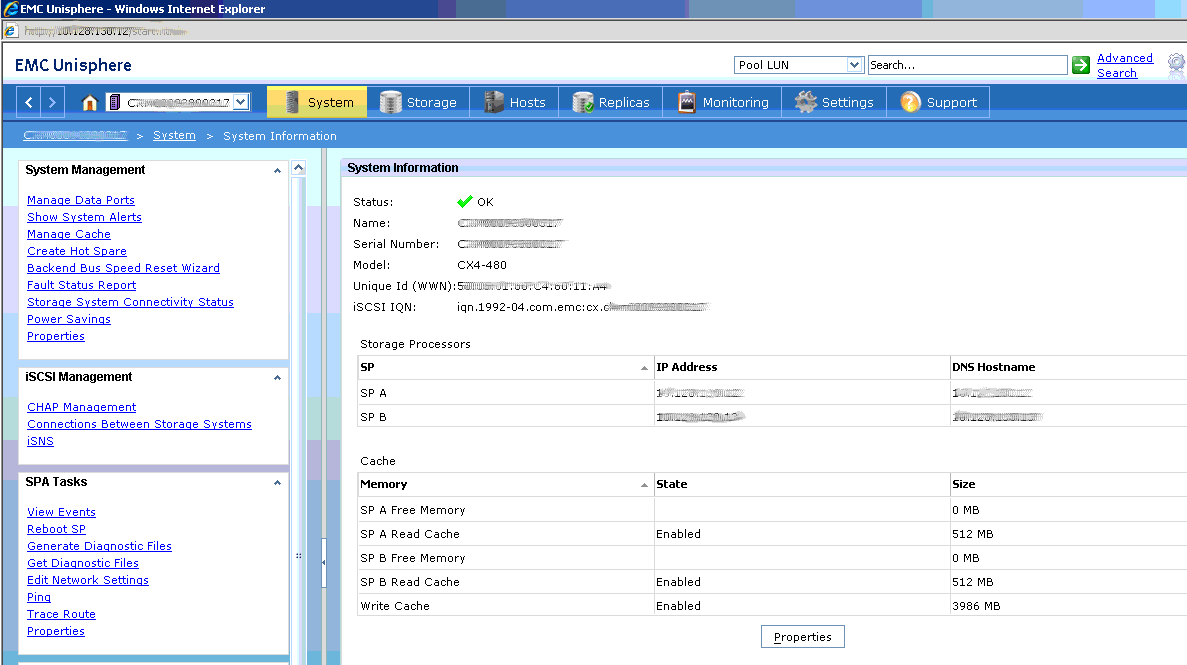
- Log onto the Unisphere..
- Select the system from the system drop-down menu
- Select monitoring
- then select Report Wizard
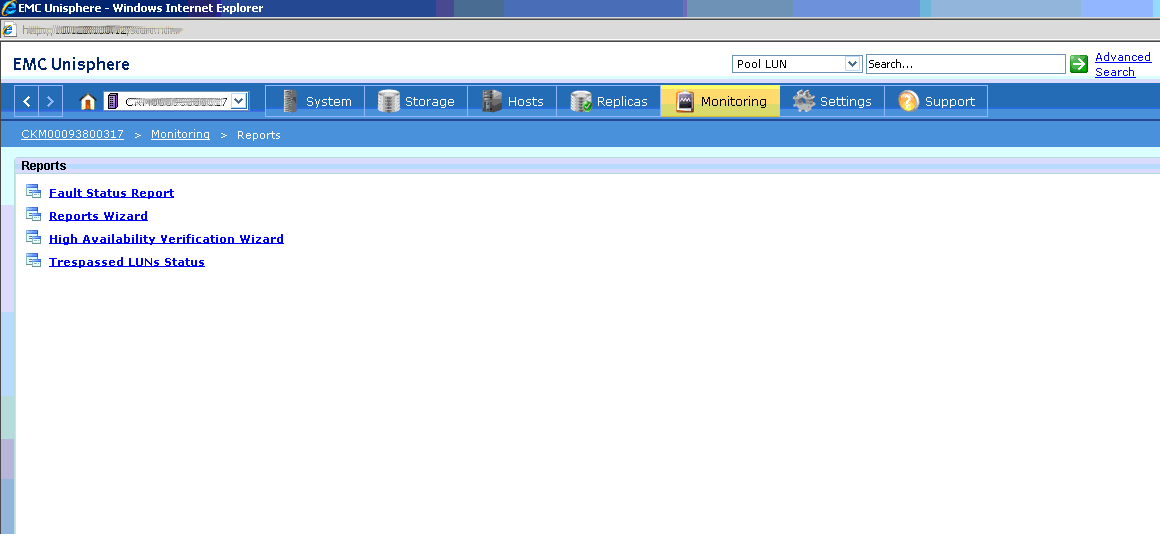
- make sure it's the same storage system (if multiple systems present))
- Make the following selections from the report wizard
- Under configuration select Available storage
- Under Storage Pools selectRAID groups
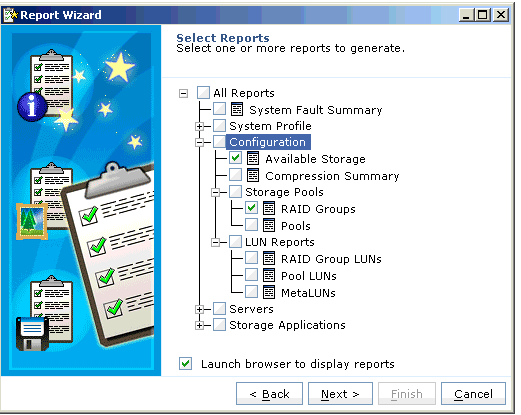
- Click Next then finish.
- YOUR REPORTS WILL BE OPENED IN WEB BROWSER